 Klever
 Extension: Wallet and Account Imports
Klever Extension is a self-custody browser wallet. Klever's extension FAQ, published June 24, 2024, documents two import paths: restoring a K5 mobile wallet with its 24-word recovery phrase, or adding a specific account by private key after creating a new extension wallet.
Updated onNetwork coverage before import
The selected asset and its network must be supported by the installed extension. Importing wallet credentials does not add network support.
The June 24, 2024 extension FAQ listed Klever, Bitcoin, Ethereum, Tron, Polkadot, and Kusama. It also described manual network and custom-token additions as unavailable, directing custom-token requests to Klever Support. Check the installed extension's asset and network support before relying on it to manage an account; these dated extension limits do not establish the capabilities of a later release.
K5 wallet restoration
The K5 mobile wallet's 24-word recovery phrase can restore the wallet in Klever Extension. The same FAQ also documents restoration in the opposite direction, from the extension to the mobile app using the wallet's recovery phrase.
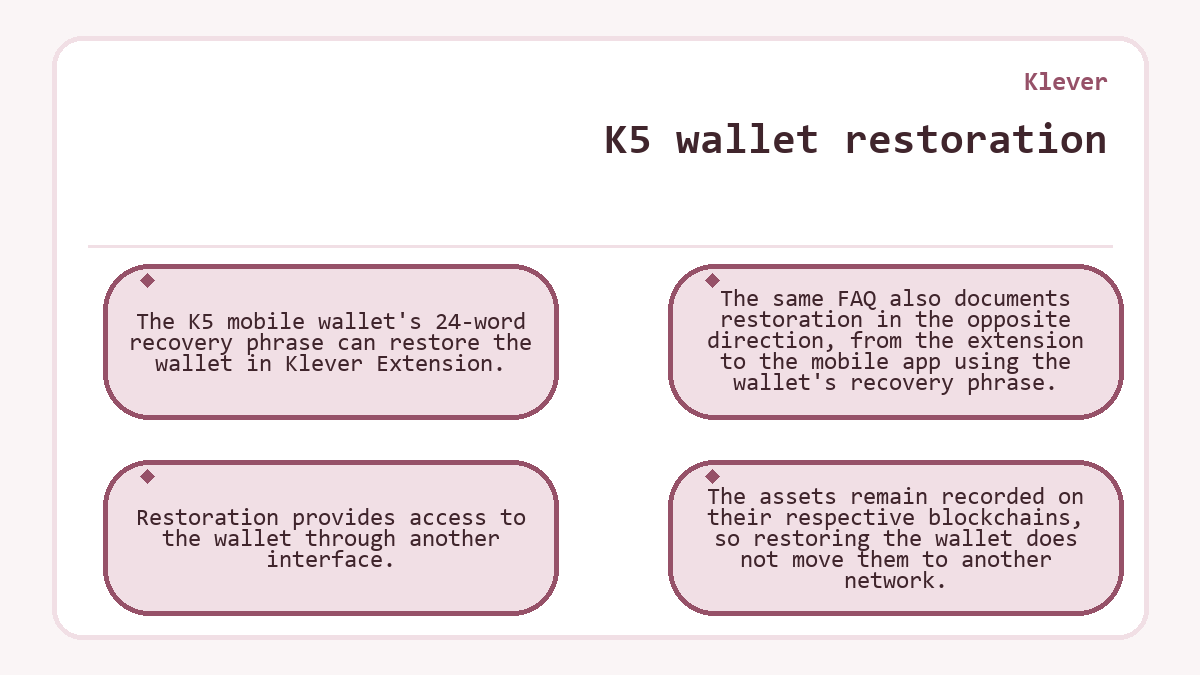
Restoration provides access to the wallet through another interface. The assets remain recorded on their respective blockchains, so restoring the wallet does not move them to another network.
Single-account import
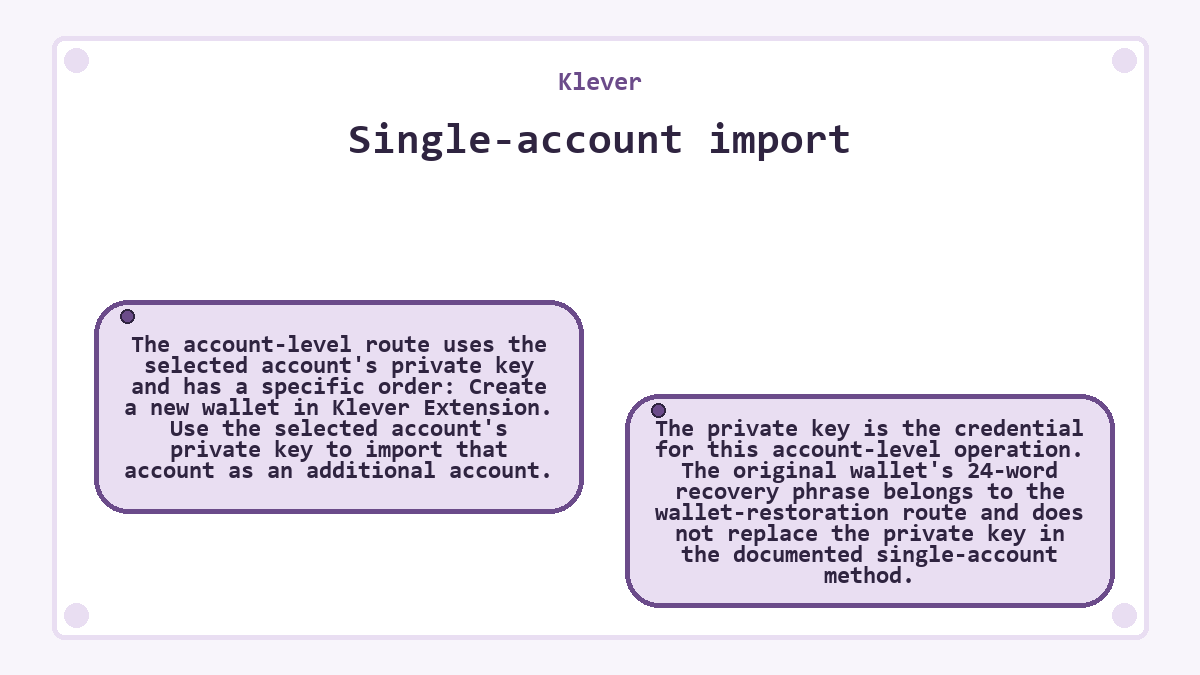
The account-level route uses the selected account's private key and has a specific order:
- Create a new wallet in Klever Extension.
- Use the selected account's private key to import that account as an additional account.
The private key is the credential for this account-level operation. The original wallet's 24-word recovery phrase belongs to the wallet-restoration route and does not replace the private key in the documented single-account method.
Hypothetical example: Only the wallet backup is available
In this hypothetical case, the user cannot yet follow the documented single-account route. Assume the user wants to add one account from a K5 wallet to a new extension wallet, has the K5 wallet's 24-word recovery phrase, and lacks the selected account's private key. Also assume the installed extension supports the account's asset and network.
The available phrase supports restoring the K5 wallet. Adding only the selected account to the new extension wallet requires its private key. The user therefore has a usable backup for wallet restoration, but still needs the account-specific credential to complete the narrower import.
Recovery after a forgotten password
The June 24, 2024 extension FAQ says an extension password cannot be reset. It describes reinstalling the extension and restoring the wallet with the 24-word recovery phrase as the recovery method.
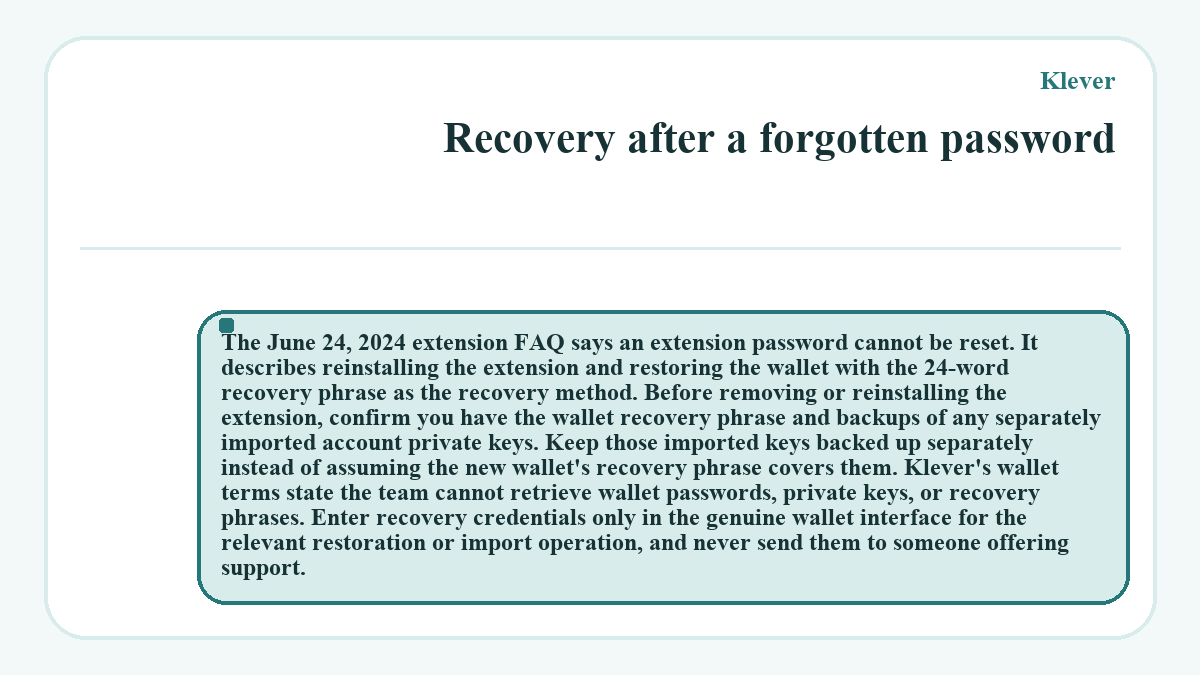
Before removing or reinstalling the extension, confirm you have the wallet recovery phrase and backups of any separately imported account private keys. Keep those imported keys backed up separately instead of assuming the new wallet's recovery phrase covers them.
Klever's wallet terms state the team cannot retrieve wallet passwords, private keys, or recovery phrases. Enter recovery credentials only in the genuine wallet interface for the relevant restoration or import operation, and never send them to someone offering support.